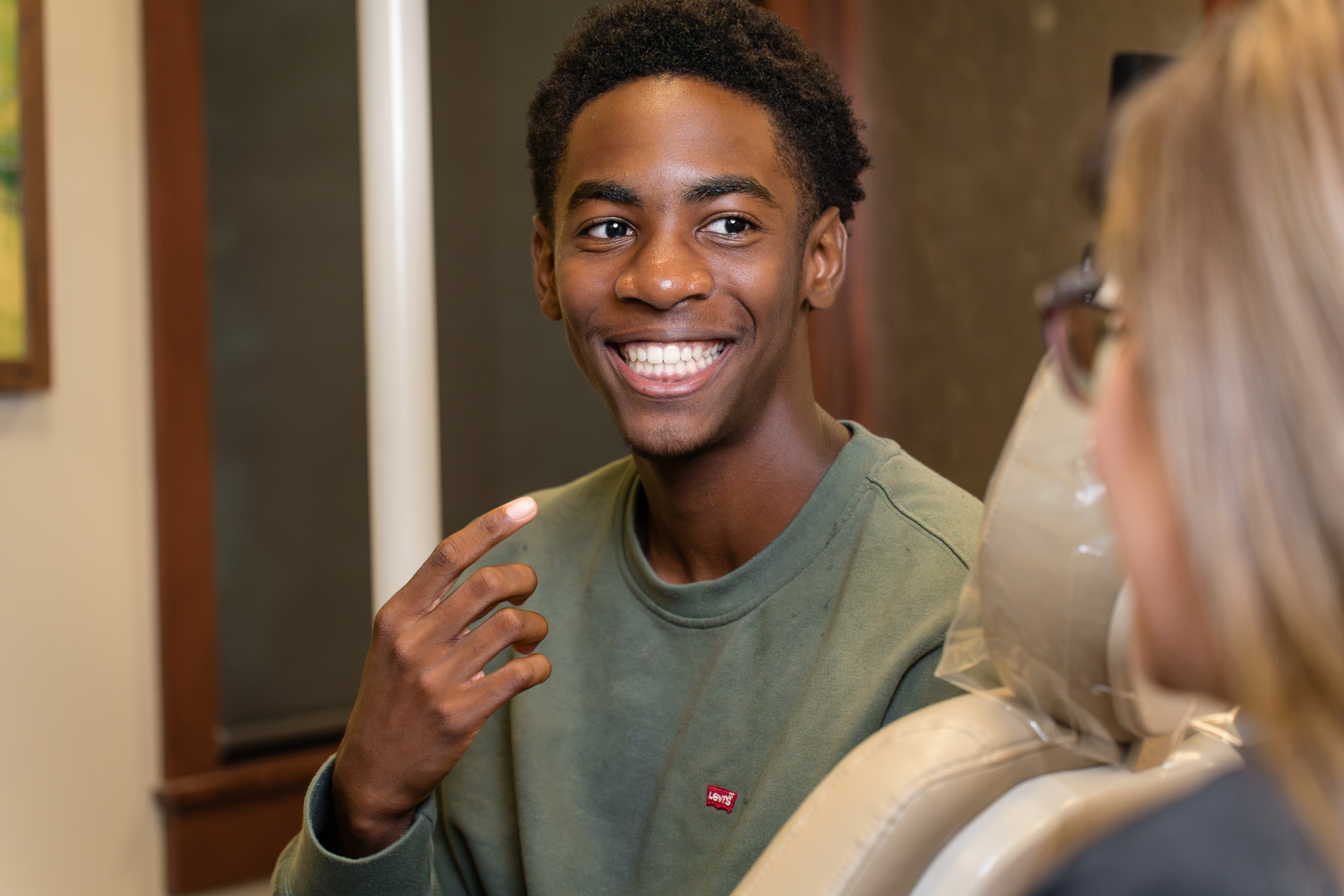
If you’ve ever had a tray of cold putty pressed against your teeth, you already know why so much has changed in orthodontics. Digital scans vs. impressions is one of the first differences families notice when they walk into our Peachtree City Office, and the comparison comes down to comfort, chair time, and how quickly your records reach the lab. Both digital dental impressions and traditional putty answer the same question about your teeth. Only one requires you to sit still and breathe through your nose.
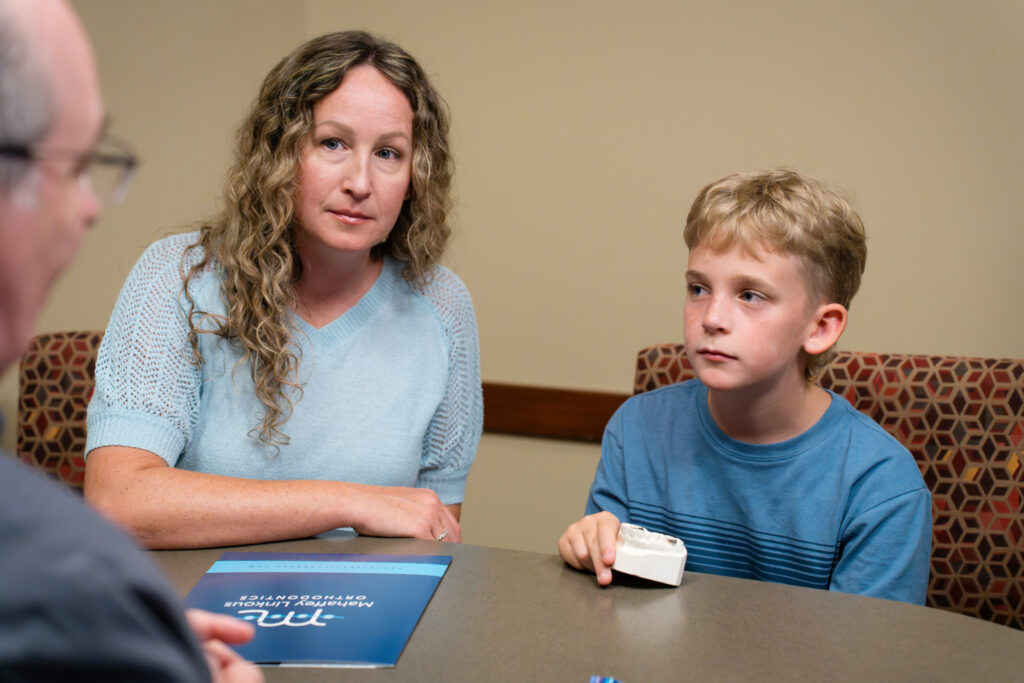
What Are Dental Impressions and Digital Scans?
A dental impression is a physical mold of your teeth, taken with soft putty in a tray that hardens against the arch. A digital scan captures the same detail with a handheld wand that uses light to build a 3D model on a screen. Same record, two very different experiences.
Traditional impressions rely on a tray filled with soft material that sets against your teeth, while digital scans rely on a small handheld wand, called an intraoral scanner, that builds a 3D model of your mouth on a screen. Both records tell your orthodontist exactly where every tooth sits, how your bite comes together, and what the surrounding tissue looks like, so both can be used to plan the same treatment.
How do traditional impressions capture your teeth?
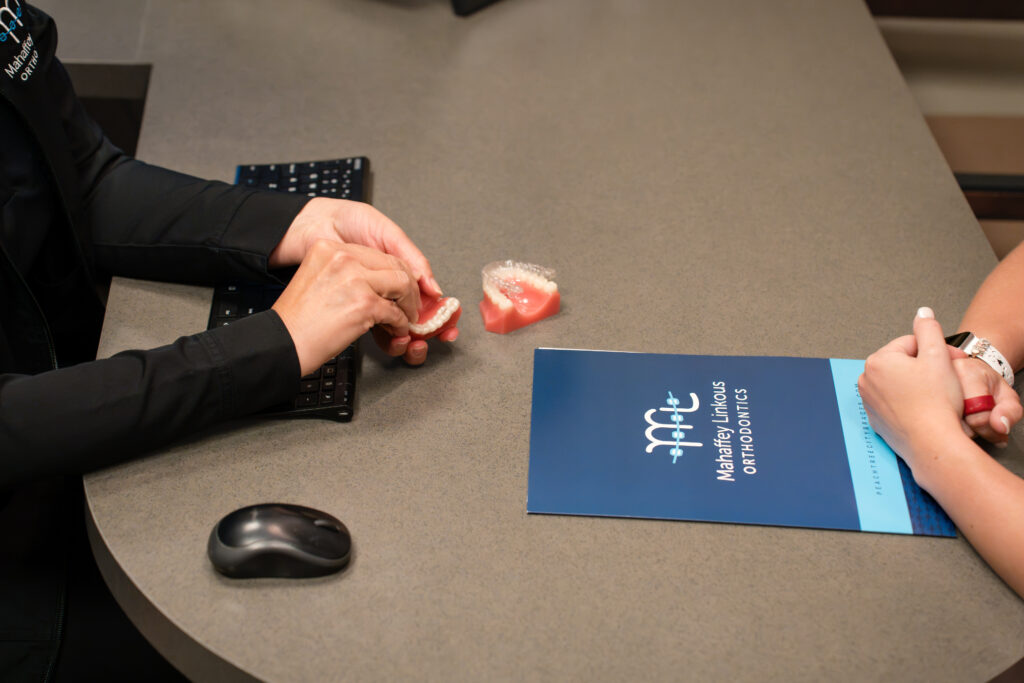
Traditional impressions use alginate (a powder mixed with water) or PVS putty, a heavier silicone material. Your assistant fills a tray, seats it over your upper or lower teeth, and holds it steady while the material firms up, usually one to three minutes per arch. Once it sets, the tray lifts out carrying a negative copy of every tooth, along with your gum line and the roof of your mouth. The lab then pours dental plaster into that negative to create a stone model.
How do digital scans capture your teeth?
A digital scan works with an intraoral wand roughly the size of an electric toothbrush handle. As your orthodontist glides it across your teeth, the wand captures a rapid stream of images that software stitches together into a 3D model in real time. Nothing sets or hardens, and nothing sits against your palate. You can watch your own teeth appear on the monitor as the scan builds.
Do both methods produce the same end product?
Whichever method your orthodontist uses, the goal is identical: an accurate replica of your teeth, your bite, and the soft tissue around them. That replica does a lot of work behind the scenes:
- Appliance fabrication. Retainers, expanders, and space maintainers all get built on a copy of your teeth.
- Clear aligner design. Aligner manufacturers need a precise arch shape to plan each stage of movement.
- Treatment simulation. Software can show how your teeth will shift over time.
- Progress tracking. Comparing an early record to a later one shows exactly what’s moved.
- Bonding and bracket placement. Some workflows use models to plan bracket position before anything touches your teeth.
What terms might you hear at your visit?
A few words get tossed around during records, and none of them are as technical as they sound:
- STL file: the digital 3D file format your scan is saved as.
- Digital model: the on-screen version of your teeth, viewable from any angle.
- Stone model: the plaster replica poured from a traditional impression, and what many families still call dental molds.
- 3D impressions: another common name for digital scans, since the record is three-dimensional rather than physical.
- Bite registration: a record of how your upper and lower teeth meet when you close.
At Mahaffey Linkous Orthodontics, digital scans have replaced putty for nearly every record we take, from clear aligner planning to replacement retainers.
How Each Method Works, Step by Step
Both methods follow the same basic path: your orthodontist captures the shape of your upper teeth, the shape of your lower teeth, and the way the two arches meet when you bite together, then sends that record on to the lab. What changes is the tool doing the capturing and how much of your visit it takes up.
A traditional impression takes roughly 15 to 20 minutes. Your assistant sizes the tray, mixes the material, seats it against your teeth, and holds it for one to three minutes per arch. A digital scan usually takes 3 to 8 minutes for both arches plus the bite, with no mixing, no trays, and no material sitting in your mouth.
What happens during a traditional impression, step by step?
- Tray sizing. Your assistant selects a tray that fits your arch width, then checks it dry before adding material.
- Material mixing. Alginate powder gets mixed with water, or PVS putty gets combined, and both start setting immediately.
- Seating. The loaded tray goes over your teeth and presses gently upward or downward until the material spreads.
- Hold time. You breathe through your nose and stay still while the material firms up.
- Removal. The tray pops free in one motion, which is the part most people remember.
- Pouring. Dental plaster fills the negative impression and hardens into a stone model.
- Shipping. The model gets boxed and mailed to the lab, adding days to the timeline.
What happens during a digital scan, step by step?
- Quick dry. Your teeth get a light air dry so the wand reads clean surfaces.
- Upper arch. The wand glides along the biting surfaces, then the cheek side, then the tongue side.
- Lower arch. Same path, same easy motion, with breaks whenever you need one.
- Bite scan. You close together and the wand records how your teeth meet on each side.
- Live review. The 3D model appears on screen, and you and your orthodontist rotate it, zoom in, and look at crowding or spacing together.
- Instant transfer. The file goes electronically to the lab or aligner manufacturer, often the same day.
What does the difference feel like in the chair?
Putty impressions ask something of you. You hold still, resist the urge to swallow, and wait out the set time with a tray filling most of your mouth. Digital scanning asks almost nothing. Nothing coats your tongue, nothing presses on your palate, and the wand pauses the second you raise a hand. Kids who once dreaded records now ask to see the screen.
There’s a practical upside too. Because the file transmits electronically, your appliance or aligner order starts moving while you’re still walking out to the parking lot. No packaging, no courier, no waiting for a box to land on a lab bench three days later.
Benefits of Digital Scanning for Orthodontic Patients
Digital records changed the front end of treatment more than most people realize. Here’s what actually improves when a wand replaces a tray:
- Comfort comes first. No putty, no setting material, and no tray pressing against the roof of your mouth means the gag reflex rarely gets triggered at all.
- Accuracy holds steady. Physical impressions can distort if the material shrinks, the tray shifts, or an air bubble forms over a tooth. A digital file has none of those failure points, which cuts down on appliance remakes.
- Visits run shorter. Less chair time for the scan itself, plus electronic transfer instead of shipping, can move up the day you actually start treatment.
- You see what your orthodontist sees. Your bite spins on the screen in front of you. For clear aligner planning, the software can also walk through the movements ahead one stage at a time, so talking about your dream smile stops being abstract and starts looking like a plan you can point at.
- Files last. Digital records get archived and can be pulled up years later. Break a retainer during college? Your file is still there, so a replacement often doesn’t require new records at all.
- Fewer refits. Better-fitting aligners, retainers, and expanders mean fewer adjustment visits and fewer “let’s try that again” moments.
That last point matters more than it sounds. Every remake used to mean another impression, another shipping cycle, and another visit squeezed into your week. Digital workflows quietly remove a lot of that friction. Families visiting our Peachtree City Office tend to notice it right at the beginning, when records take a few minutes instead of a chunk of the morning, and the same digital file then follows them from start to finish.
Dr. Mahaffey and Dr. Linkous also use the scan as a teaching tool. Seeing a crossbite from the tongue side, or watching how much a lower incisor has rotated, helps you understand the plan instead of just agreeing to it. That collaboration is the whole point of your first free consultation.
Digital Scans vs. Traditional Impressions: Side-by-Side Comparison
| Factor | Traditional Impressions | Digital Scans |
|---|---|---|
| Comfort | Cold, bulky material against teeth and palate | Wand touches teeth lightly, nothing sets in the mouth |
| Chair time | Typically 15 to 20 minutes | Typically 3 to 8 minutes |
| Accuracy | Good, but vulnerable to shrinkage, bubbles, and tray movement | Repeatable, with distorted areas flagged and rescanned instantly |
| Mess | Mixing, residue on lips and teeth, occasional cleanup | None |
| Gag reflex | Common trigger, especially on upper arches | Uncommon, and the scan can pause anytime |
| Retakes | Requires a full new impression | Rescan only the section that needs it |
| File storage | Stone models take shelf space and can chip or break | Files archived digitally and reusable |
| Lab turnaround | Add shipping days each direction | Electronic transfer, often same day |
Where do traditional impressions still earn their place?
Physical impressions aren’t obsolete. They don’t depend on equipment or software, which matters in offices without a scanner. Some specialists still request a stone model for jaw treatment planning or for cases with extensive restorative work, where a physical model gets mounted and studied by hand. A few appliance labs also have workflow requirements that call for a poured model.
Where does digital scanning pull ahead?
Precision that repeats the same way every time is hard to beat. Add instant chairside review, direct handoff to aligner manufacturers, and compatibility with 3D printing, and the digital path fits modern orthodontics better than a plaster shelf ever did. The research on full-arch accuracy is more mixed than a simple “digital wins” headline suggests. Systematic reviews have found both methods land within clinically acceptable ranges, and at least one recent large study found conventional impressions still edge out digital scans on raw trueness and precision for full-arch cases, even as patients consistently report scanning as more comfortable. In practice, the comfort and workflow advantages are the clearer win, not a blanket accuracy advantage.
What’s the bottom line?
Digital scans capture the same information as old-school impressions with less time in the chair, fewer retakes, and a permanent record your orthodontist can pull up years down the road. If your practice offers scanning, there’s rarely a reason to choose putty.
Who Is a Good Candidate for a Digital Scan?
Almost everyone. Scanning is non-invasive, uses no radiation, and puts no materials in your mouth, which makes it a fit for children, teens, and adults alike. It works especially well for anyone who has struggled with impressions in the past.
Strong candidates for digital scanning include:
- Kids and teens getting their first orthodontic records
- Adults starting clear aligners or considering treatment for the first time
- Anyone with a sensitive gag reflex
- Families needing replacement retainers
- Anyone already wearing braces who needs progress records
- Anyone with crowns, bridges, or implants, all of which scan cleanly
Families who feel nervous or anxious often do better with a wand than a tray, simply because the scan stops and restarts without penalty. The same is true for many family members with special needs. There’s no set time to wait out and no single moment that has to go perfectly, so the whole visit can move at your pace, with as many pauses as you’d like along the way.
A few situations call for extra care:
- Severe crowding, where overlapping teeth may need slower, more deliberate passes
- Heavy saliva flow, which is managed with gentle drying and suction
- Healing tissue after an extraction or recent oral treatment, where your orthodontist may wait a bit
- Very young children who can’t hold still, though most do fine once they see the screen
Your first free consultation at our office in Peachtree City sorts all of this out. Dr. Mahaffey and Dr. Linkous review what your case needs, decide which records make sense, and explain what happens next before anything begins. Occasionally that includes a traditional impression for a specific appliance, and if so, you’ll hear exactly why, in plain language, before the tray ever comes out.
Frequently Asked Questions About Digital Scans and Impressions
Does a digital scan hurt?
No. The wand rests lightly against the surfaces of your teeth and never presses into your gums or palate. There’s no material to set, no pressure building, and no waiting period to endure. Most families describe it as mildly ticklish at worst, and children usually get distracted by watching their teeth build on the screen.
How long does a digital scan take?
A full digital scan of both arches plus your bite typically takes 3 to 8 minutes. Traditional putty impressions generally run 15 to 20 minutes once you factor in tray sizing, mixing, set time, and cleanup. Complex cases or heavy crowding can add a couple of minutes to a scan, and breaks are always available if you need one.
Are digital impressions more accurate than putty impressions?
For most full-arch orthodontic uses, yes. Digital scans avoid the distortion that comes from material shrinkage, tray movement, and trapped air bubbles, and any unclear area gets flagged and rescanned on the spot instead of after the lab notices a flaw. That reliability translates into appliances and aligners that fit correctly the first time.
Can I still gag during a digital scan?
It happens rarely. Nothing sits against your soft palate and nothing fills your mouth, which removes the two most common gag triggers. If you do feel uncomfortable, the scan pauses instantly and picks up right where it left off, so nothing is wasted. That flexibility is why gag-prone families usually prefer scanning.
Is a digital scan safe?
Yes. Intraoral scanners use visible light or a low-power laser to map the surfaces of your teeth, not radiation. That makes scanning safe to repeat as often as your treatment requires, including progress records and final retainer scans. It’s a different technology from X-rays entirely.
Can digital scans be used for clear aligners and retainers?
Absolutely, and that’s one of their biggest advantages. Scan files transfer electronically to the aligner manufacturer or lab, often the same day, which shortens the wait before your treatment starts. Because the file stays archived, a replacement retainer years later can often be produced from your original scan without new records. If you’re curious what your own scan would show, a free consult at Mahaffey Linkous Orthodontics in Peachtree City includes a chairside look at your records and a straightforward conversation about what your teeth need, with no cost and no obligation attached.